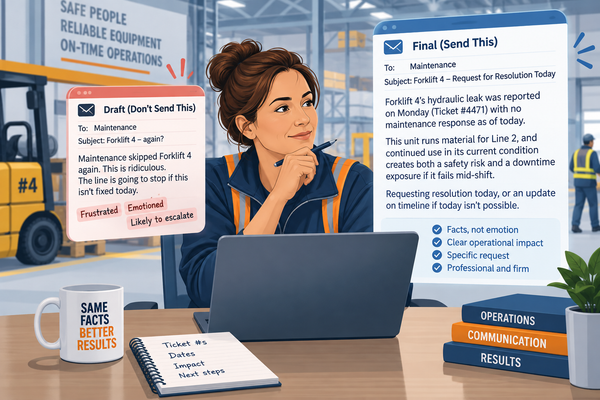
How Can You Use AI to Improve the Speed and Effectiveness of Communication in a Slack and Email World?
Post one worked through the first item on that six-point list, turning shift notes into a to-do list before your coffee gets cold. This post takes on the second: drafting communication to multiple stakeholders at once, the kind you’d usually write three separate times across email and Slack.
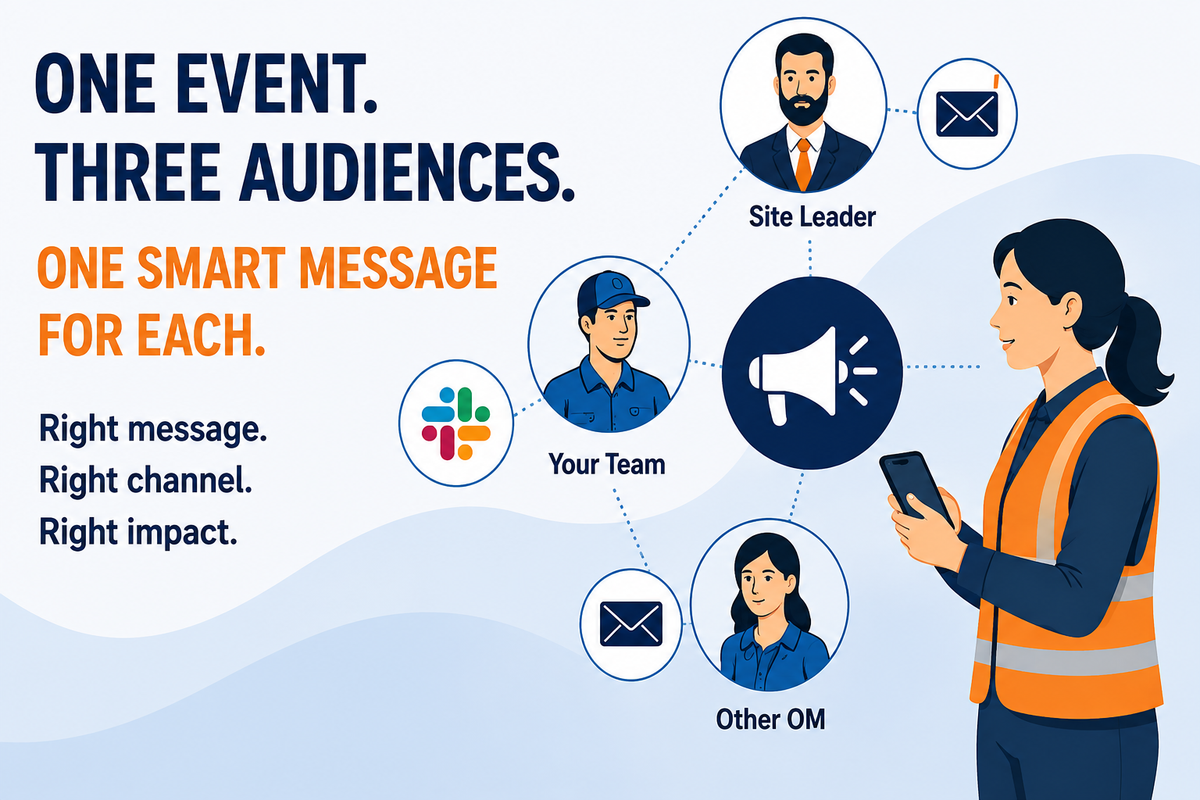
A line goes down and suddenly you’re a translator. Not because you speak three languages. Because you’ve got three audiences, and none of them want the same version of the story. Congratulations, you’re now fluent in Team-Floor, Site-Leader-Executive, and Slack-Casual.
● Your team needs the two-line version: what broke, what to do right now, and what they’re doing instead for the next hour.
● Your site leader wants the number that matters today, not the mechanical play-by-play of a conveyor belt failure.
● The OM two departments over doesn’t work for you and definitely doesn’t want your blow-by-blow. He wants to know if whatever just hit you is about to become his problem too.
Most days, you write the message once, then spend the next ten minutes rewriting it twice more, pulling half of it out of Slack and the other half out of your inbox. That’s ten minutes that used to belong to the floor.
Give AI Who, Where, and How Much
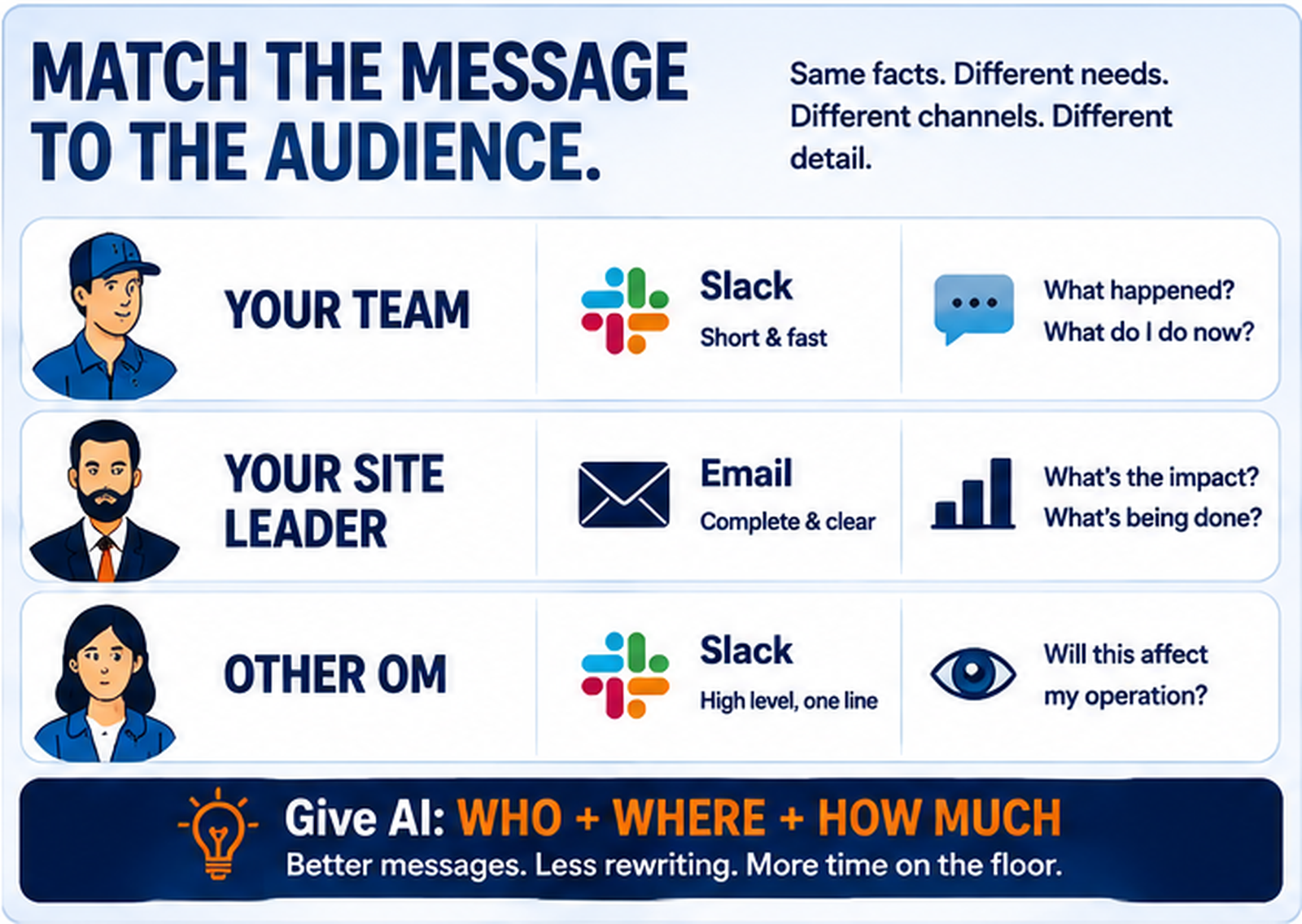
Post one covered the four elements of a strong prompt: Situation, Data, Constraints, and Output. For a message that has to reach more than one audience, the Data piece needs three extra layers: who’s getting the message, what channel actually fits them, and how much they need to know. Leave one out and you get one generic paragraph wearing three different outfits, which anyone can spot as AI from across the room.
● Who: your team, your site leader, and the OM in the next department all hear the same news differently.
● Where: Slack for anything fast, email for anything that needs a paper trail or can wait an hour.
● How much: your team needs the floor-level detail. Your site leader needs the number. The other OM needs one sentence and nothing else.
None of this locks you into three emails, or even three messages. Some days it’s two Slacks and an email. Other days it’s the reverse. Match the mix to the people, not to a script. If you want the Lean term for it, this is standard work for communication: the same inputs and the same steps every time, just a different output for each audience.
The Prompt
Give it the situation once, then list your people with their channel and what they actually need. It does the sorting from there:
You are an expert operations management communication assistant. Here is what happened: [describe the situation].
Here are the people who need to know: [Name or role 1], [Name or role 2], [Name or role 3]. Structure your output using the exact sections below:
1. MESSAGE FOR [NAME OR ROLE 1]
- Channel: [Slack or email]
- What they need to know: [what they care about and how much detail]
- Write the message in the tone and length that fits this channel.
2. MESSAGE FOR [NAME OR ROLE 2]
- Channel: [Slack or email]
- What they need to know: [what they care about and how much detail]
- Write the message in the tone and length that fits this channel.
3. MESSAGE FOR [NAME OR ROLE 3]
- Channel: [Slack or email]
- What they need to know: [what they care about and how much detail]
- Write the message in the tone and length that fits this channel.
Use the same underlying facts in every message. Keep Slack messages short enough to read on a phone. Keep emails long enough to stand alone without a reply. Don’t repeat information a person doesn’t need.
What Comes Back
Feed it those details on a line 4 conveyor failure, and here’s roughly what you get.
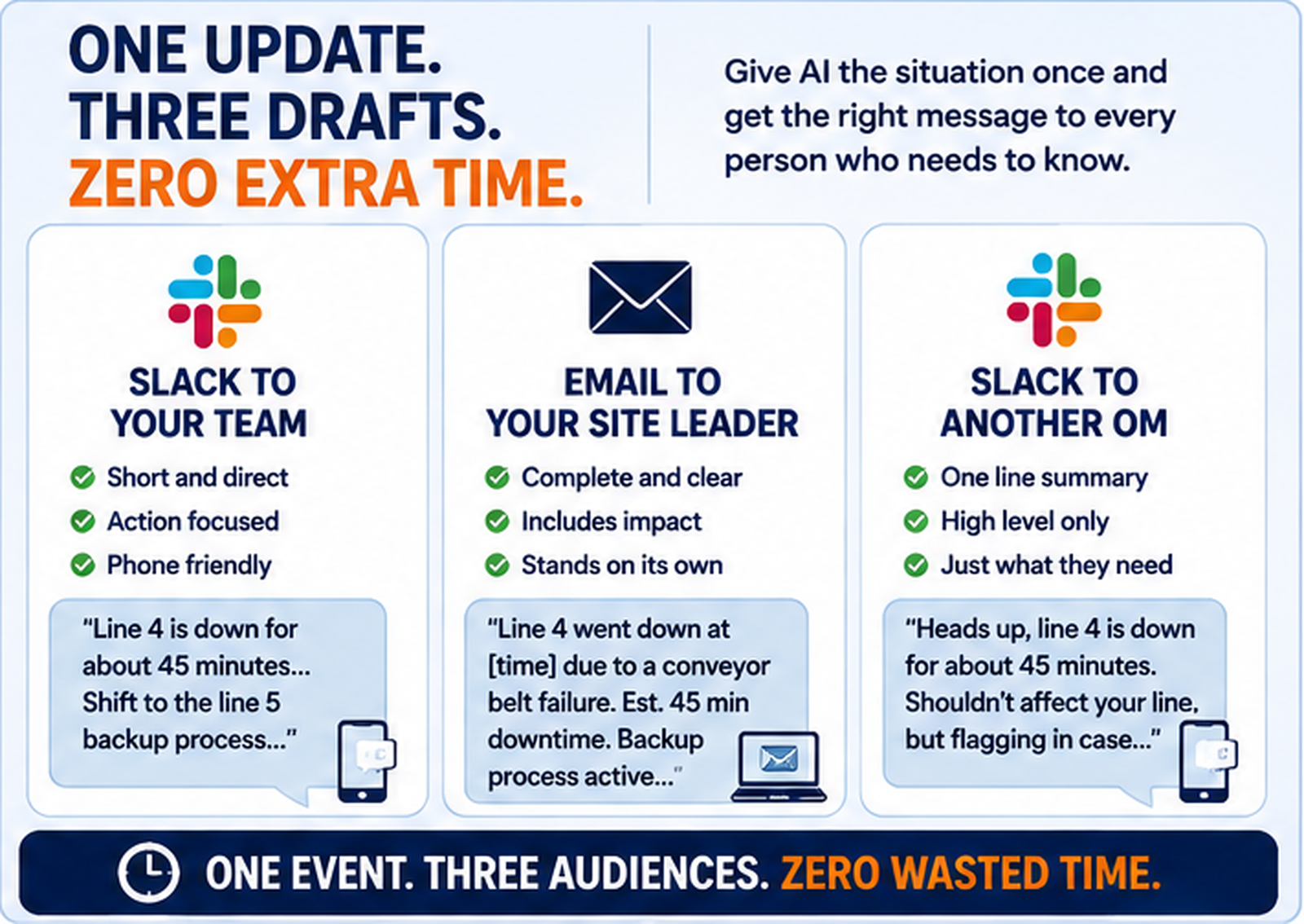
● Your team gets a Slack message short enough to read on the walk over: “Line 4 is down for about 45 minutes, conveyor belt failure. Shift to the line 5 backup process until we’re back up. I’ll update you the second it’s running again.”
● Your site leader gets an email that says what’s wrong before they even open it. Subject: “Line 4 Down, Est. 45 Min, Backup Process Active.” Body: “Line 4 went down at [time] due to a conveyor belt failure. Estimated downtime is 45 minutes. The team has shifted to the line 5 backup process, so we’re not losing full output. I’ll confirm once line 4 is back up.”
● The OM down the hall gets one line: “Heads up, line 4 is down for about 45 minutes today, conveyor belt issue. Shouldn’t affect your line, but flagging in case it backs up downstream.”
Same event. Three completely different readers. Nobody had to read anything they didn’t need.
If You’re Not Sure What Someone Needs
Maybe you’ve never actually asked your site leader how much detail they want, or whether the OM two doors down prefers Slack over email. Most people will tell you exactly what they want to see if you ask them once, outside of a crisis, when nobody’s under pressure and nothing’s on fire.
Once you know, that answer doesn’t change from incident to incident. Feed it into the prompt every time after that, and you’ve basically built a standing profile for each stakeholder without installing a single piece of software.
Know Before You Paste
Here’s the scenario that should scare you straight. You paste your notes in fast, on your way out the door, and you don’t actually read the three drafts before sending them. The Slack message to your team goes out fine. But the email autofills with last night’s downtime numbers instead of this morning’s, because you reused the same prompt twice in one day and didn’t update the situation. Nobody catches it until your site leader replies asking why the outage suddenly doubled. That’s not an AI problem. That’s a hit send too fast problem, and it’s yours, not the tool’s.
AI doesn’t know your team’s Slack culture either, and that’s a second problem you’ll only catch by reading before you hit send. If your channel runs on lowercase and one-word replies, and AI hands you three paragraphs with a formal sign-off, that’s not going out under your name until you fix it.
Watch what you paste into a Slack message headed for a channel with more eyes on it than you meant. And some updates still need a phone call, not a message, no matter how well it’s written. If someone needs to hear your tone, not read it, that’s not a job for AI, or for text at all.
Fine-Tune It Fast
The first draft won’t always land right. Say so, and it fixes it:
● “Shorter. My team doesn’t read past two lines.”
● “Add when the site leader should expect the next update.”
● “Rewrite the OM message so it doesn’t sound like I’m dumping my problem on him.”
● “My site leader hates being cc’d on things that aren’t resolved yet. Hold that one until we have an answer.”
One Step Further, If Your Tools Are Connected
If you’re using an AI assistant that’s connected to your email, Claude can do this if you link your Gmail account, you can skip the copy-paste entirely. Instead of handing you text to paste into a new message, it can drop the email straight into your Drafts folder, sitting there unsent until you review it and hit send yourself. That’s a real, current capability, not a someday feature.
Slack actually has real drafts too. Start a message and don’t send it, and Slack saves it in your Drafts & Sent folder on its own, same idea as email. What’s less clear is whether a connected AI tool can push a message into that folder for you, or whether it can only send a message outright once it’s hooked up. Until you know for sure which one you’re dealing with, treat any AI-Slack connection the same way: read every message before it goes anywhere, and don’t assume a connected tool is defaulting to draft mode just because Slack itself has one.
Try It on Your Next Multi-Audience Update
Next time one piece of news needs to reach three different people who all need something different from it, write it once and let AI split it into the right shapes. You still read every word before it goes out. You just stop writing the same update three times.
This alone saves you real time. Stack it with the rest of the series, the to-do lists, the Gemba questions, the shift handoffs, the workarounds, and the minutes stop being the whole point. You start building the exact skill set that turns an ordinary operations manager into the one nobody on the floor can replace.
Subscribe to TheDailyConstraint so you catch the next post in the series, where we tackle asking sharper Gemba questions instead of the same five you always default to. And if you try today’s prompt, don’t tell me it’s impressive. Tell me whether it got you out of two apps and back on the floor faster.